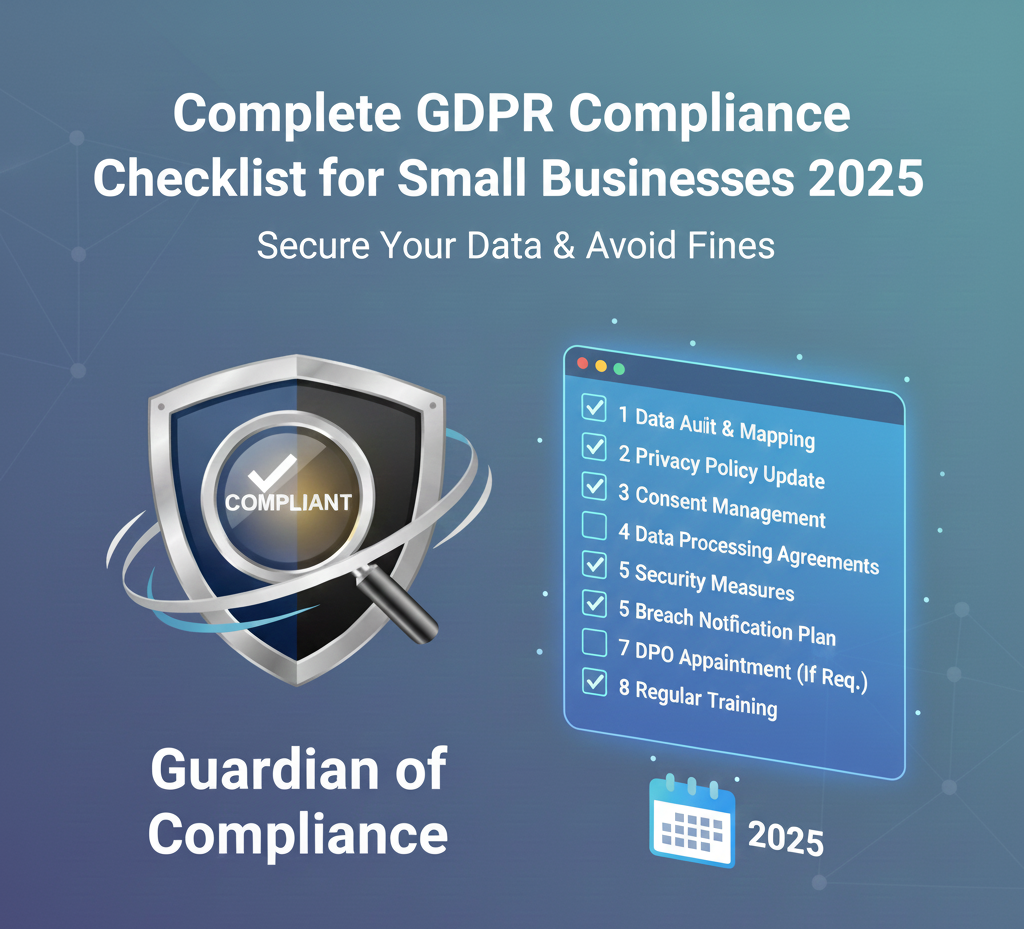
Achieving GDPR compliance can feel overwhelming for small businesses. This comprehensive gdpr compliance checklist 2025 breaks down everything you need into actionable steps. Whether you're wondering "what is gdpr" or need a practical checklist for gdpr compliance, this guide covers all the essentials.
What Is GDPR? Understanding the Regulation
The gdpr general data protection regulation is the EU's data privacy law that protects personal data of EU residents. The gdpr regulation applies to ANY business with European visitors, regardless of where your company is located.
GDPR meaning simplified: It's a set of rules requiring businesses to:
- Get explicit consent before tracking users
- Provide clear information about data usage
- Give users control over their data
- Protect data with appropriate security
- Report breaches within 72 hours
Understanding gdpr and compliance is crucial because fines can reach €20 million or 4% of annual revenue.
Phase 1: Cookie Compliance Checklist
☐ Step 1: Run a Free GDPR Scan
Before fixing issues, identify what needs work. Use a compliance monitoring tool to:
- Detect all cookies on your site
- Check consent banner functionality
- Verify privacy policy completeness
- Identify GDPR violations
☐ Step 2: Audit Your Cookies
Use a cookies checker or website cookie scanner to categorize:
- Essential cookies - Required for site functionality
- Analytics cookies - Track visitor behavior
- Marketing cookies - Advertising and retargeting
- Third-party cookies - From external services
How to check manually:
- Open Developer Tools (F12)
- Go to "Application" → "Cookies"
- Document each cookie's purpose
☐ Step 3: Implement Cookie Consent Banner
Your cookie consent banner must include:
- ✅ Clear explanation of cookie usage
- ✅ Separate cookie categories
- ✅ Accept/Reject/Manage buttons (equal prominence)
- ✅ No pre-ticked boxes
- ✅ Link to cookie policy
Implementation options:
Option A: Free Cookie Banner Generator
Use our free cookie banner generator to create custom HTML code that matches your brand.
Option B: WordPress Cookie Plugin
Install a cookie plugin like Cookie Notice & Compliance or GDPR Cookie Compliance.
Option C: JavaScript Solution
Implement GDPR cookie consent with custom JavaScript for full control.
☐ Step 4: Block Cookies Until Consent
Critical requirement: Don't load tracking cookies until user consents.
Wrong implementation:
<!-- Loads immediately -->
<script src="https://www.googletagmanager.com/gtag/js"></script>
Right implementation:
// Wait for consent, then load
function loadAnalytics() {
  // Only called after user accepts
  const script = document.createElement('script');
  script.src = 'https://www.googletagmanager.com/gtag/js';
  document.head.appendChild(script);
}
☐ Step 5: Create Cookie Policy Page
Your cookie policy must list:
- All cookies used
- Purpose of each cookie
- Duration (session vs persistent)
- Third-party cookies
- How to manage preferences
Phase 2: Privacy Policy Requirements
☐ Step 6: Create GDPR-Compliant Privacy Policy
A website gdpr compliant privacy policy requires:
- Controller information - Your company details
- Data collected - What personal data you process
- Legal basis - Why you process data
- Purpose - How you use the data
- Retention period - How long you store it
- User rights - Access, deletion, portability
- Data transfers - If you transfer data outside EU
- Contact information - How to exercise rights
Use our privacy policy generator free tool to create compliant templates. For Canadian businesses, we offer a pipeda privacy policy template.
Generate privacy policy free →
☐ Step 7: Add Privacy Policy Links
Place privacy policy links in:
- Footer on every page
- Signup/registration forms
- Contact forms
- Checkout process
- Newsletter subscription
☐ Step 8: Update Forms with Consent Checkboxes
All forms must:
- Have unchecked consent boxes (no pre-ticked)
- Link to privacy policy
- Explain specific purpose
- Allow separate consents
Phase 3: User Rights Implementation
☐ Step 9: Right to Access (Data Export)
Users can request a copy of their data. Provide:
- Self-service download portal
- Data in common format (JSON, CSV)
- Response within 30 days
- Free of charge
☐ Step 10: Right to Deletion ("Right to be Forgotten")
Implement account deletion that removes:
- Account information
- Purchase history (after legal retention)
- Marketing preferences
- Cookies and tracking data
Exception: You can keep data required for legal obligations (tax records for 7 years).
☐ Step 11: Right to Data Portability
Provide data in machine-readable format:
- JSON or CSV export
- Structured and complete
- Easy to transfer to another service
☐ Step 12: Consent Withdrawal Mechanism
Users must withdraw consent as easily as giving it:
- Account settings page
- Email unsubscribe links
- Cookie preference center
- "Cookie Settings" in footer
Phase 4: Technical Security
☐ Step 13: Implement HTTPS Encryption
HTTPS is mandatory for GDPR compliance:
- Purchase SSL certificate (or use free Let's Encrypt)
- Install on hosting
- Force HTTPS redirect
- Update all internal links
☐ Step 14: Secure Data Storage
Database security checklist:
- ☐ Encrypt passwords (bcrypt)
- ☐ Use prepared statements (prevent SQL injection)
- ☐ Regular encrypted backups
- ☐ Access controls (least privilege)
- ☐ Audit logs
☐ Step 15: Data Breach Response Plan
Required by GDPR:
- Detect breaches within 72 hours
- Notify supervisory authority
- Notify affected users (if high risk)
- Document all breaches
☐ Step 16: Document Processing Activities
Create a Record of Processing Activities (ROPA):
- What data you collect
- Why you collect it
- Who has access
- How long you keep it
- Where it's stored
- Who you share it with
Phase 5: Vendor Management
☐ Step 17: Audit Third-Party Services
Common services that process data:
- Google Analytics (tracking)
- Stripe (payments)
- Mailchimp (emails)
- AWS/hosting (storage)
- Facebook Pixel (advertising)
☐ Step 18: Sign Data Processing Agreements (DPAs)
For each vendor, obtain signed DPA defining:
- What data is processed
- How it's processed
- Security measures
- Data deletion procedures
Without signed DPAs, you're not compliant!
☐ Step 19: Review Data Transfers Outside EU
Solutions for US-based services:
- Use EU hosting (AWS EU, Google Cloud EU)
- Standard Contractual Clauses (SCCs)
- EU-US Data Privacy Framework certification
☐ Step 20: Add CCPA Compliance (California)
If you have California visitors, add ccpa opt out link:
<footer>
  <a href="/ccpa-opt-out.html">Do Not Sell My Personal Information</a>
</footer>
For Brazilian visitors, ensure lgpd cookie consent compliance.
Phase 6: Ongoing Compliance
☐ Step 21: Monthly Website Scans
Schedule regular checks:
- Run compliance scan monthly
- Check for new cookies
- Verify consent banner working
- Test data request forms
☐ Step 22: Update Privacy Policy Annually
Review every 12 months:
- New services added?
- Retention periods changed?
- New data types collected?
- Regulation updates?
☐ Step 23: Train Your Team
Training topics:
- What is GDPR and why it matters
- How to handle data requests
- What to do in case of breach
- Privacy settings in tools
☐ Step 24: Document Everything
Keep records of:
- Consent records
- Data processing activities
- DPAs with vendors
- Data breaches
- Training completion
- Policy updates
Best GDPR Compliance Software
What Is the Best Cookie Consent Tool?
The best cookie consent tool depends on your needs:
- For small businesses: Guardian of Compliance ($8/month)
- For enterprises: Cookiebot or OneTrust ($500+/month)
- For free scanning: Guardian of Compliance free scanner
What Are GDPR Tools?
GDPR tools are software applications that help achieve compliance:
- Cookie consent platforms - Manage user consent
- Compliance scanners - Identify violations
- Privacy policy generators - Create legal documents
- Data request portals - Handle user rights
A complete compliance tool management system includes all four.
GDPR Compliance Cost
DIY with free tools: $0-20/month
- Free GDPR scanner
- Free cookie banner templates
- Privacy policy generators
- Time investment: 20-30 hours
Automated compliance: $8-50/month
- Guardian of Compliance ($8-35/month)
- Automated scanning
- Cookie banner generator
- Time investment: 5-10 hours
Enterprise solutions: $500-5,000/month
- Cookiebot, OneTrust, TrustArc
- Full compliance suites
- Dedicated support
- Legal consultation
Common GDPR Compliance Mistakes
Mistake 1: Cookie Wall
❌ "Accept cookies or leave"
✅ Provide genuine reject option
Mistake 2: Pre-Checked Boxes
❌ Consent boxes checked by default
✅ Users must actively check
Mistake 3: Loading Cookies Before Consent
❌ Analytics loads immediately
✅ Wait for consent
Mistake 4: No DPAs with Vendors
❌ Using services without agreements
✅ Sign DPAs with all processors
Conclusion: Your GDPR Action Plan
Follow this checklist gdpr compliance to achieve compliance:
Week 1:
- Run free GDPR scan
- Install cookie consent banner
- Create privacy policy
Week 2-3:
- Implement user rights
- Sign vendor DPAs
- Set up HTTPS
Week 4:
- Document processes
- Train team
- Test everything
Ready to get compliant?
🔍 Free GDPR Scan (60 seconds) →
Related Resources:
Need Help with Compliance?
Use my free tool to check your website's compliance status.
Related Articles
GDPR Fines 2025: What Every Website Owner Needs to Know
Learn about the latest GDPR enforcement trends and how to avoid costly penalties with proper compliance measures.
Cookie Banner Best Practices: Design for Compliance and UX
Discover how to create cookie banners that meet legal requirements while providing excellent user experience.